 MetaKraftwerk

Download of the build results
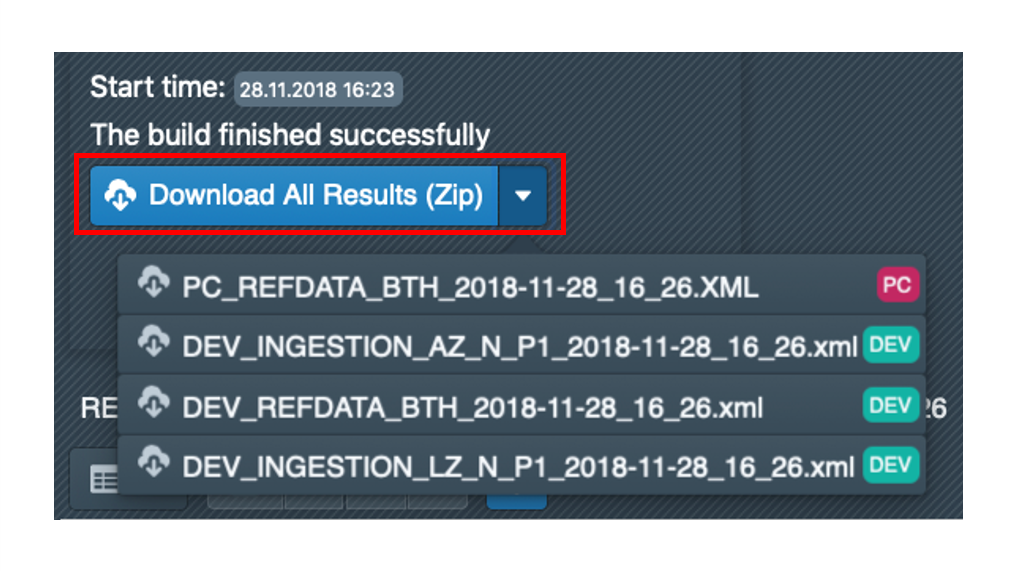 Selecting a build in the sidebar displays the build in the main window. After completion of the build, the generated XML/ZIP files are displayed, which can be downloaded. These files can then be imported into an Informatica repository.
You can either download all build results collectively as a ZIP file or download the individual generated files separately. To download the individual files, click on the small triangle next to ‘Download All Results’ to open a drop-down menu with all downloadable files.
If no files are downloaded from the browser when you click on Download, you must check whether downloads are permitted for app.metakraftwerk.com.