 MetaKraftwerk

History
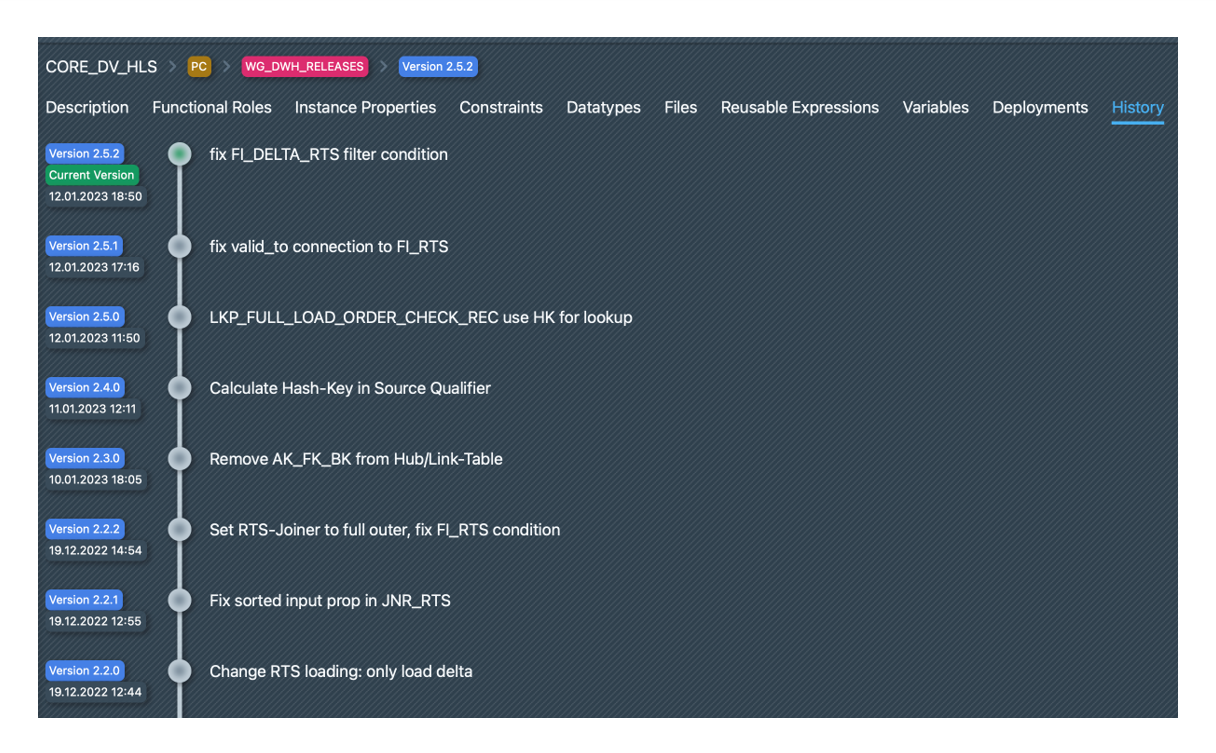
To support iterative pattern development and to save past development statuses, MetaKraftwerk has built-in version management for the pattern.
Under History it is possible to view the previous versions/commits of a pattern and to jump back to previous versions. To do this, you have to click on the commit you want to return to. The following options are then available:
Set as current: Sets the commit as the current one so that this commit is displayed in the pattern editor:Use for builds: Selects this commit as the one that is used for builds by defaultAlways build with current version: Ensures that the current commit is always selected for builds. As soon as another commit is selected as the current one, it is automatically used for builds as wellAttach Release: It is possible to assign one or more releases to this commit. If a release has been assigned to a commit, all instances within this release are built with this pattern version
TIP
Read here how to link a pattern version to a release of a release group.