 MetaKraftwerk

Table Editor & Data Entry
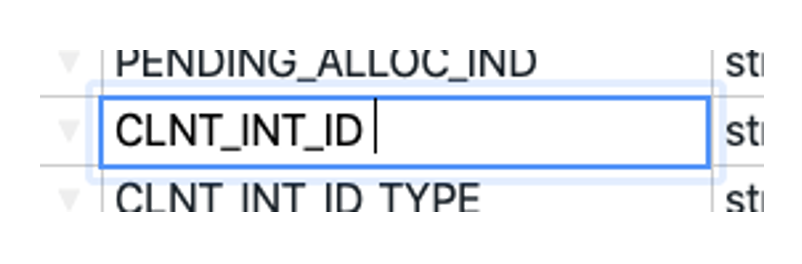
An Excel-like table is available for editing instance data. This table displays various metadata such as functional roles, field names, data types, etc. The table only displays the instance metadata for a single instance at a time. You can switch between different instances using the list displayed in the sidebar.
The instance metadata can be edited directly in the application. To do this, the instance must first be checked out.
To edit the value of a specific table cell, click on the cell with the cursor. You can then enter a new value using the keyboard. Alternatively, the cell can also be opened using Enter or F2, allowing you to select and change part of the value. Values can also be inserted from the clipboard using Ctrl+V.
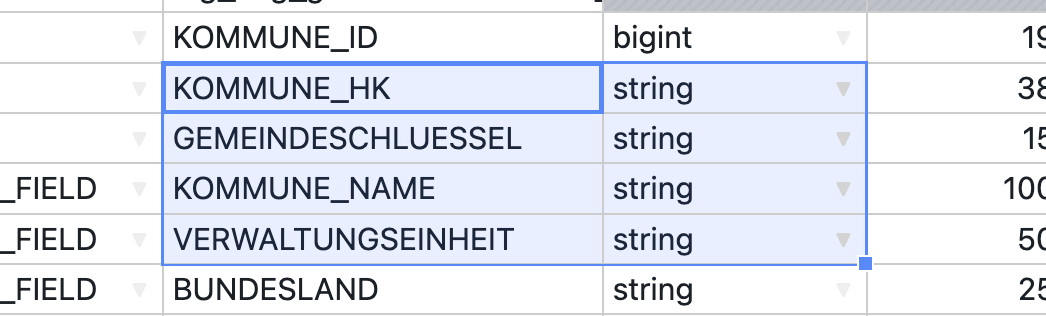
To select other cells, you can use the arrow keys (←↑↓→) to jump to other cells. If you press Shift (⇧) at the same time, you can select multiple cells. Alternatively, you can also select multiple cells by dragging the mouse across them. Pressing the Backspace (⌫) or Delete (⌦) key deletes the contents of all currently selected cells. Ctrl+C copies the contents of all currently selected cells to the clipboard. Ctrl+X cuts the contents of all selected cells and copies them to the clipboard.
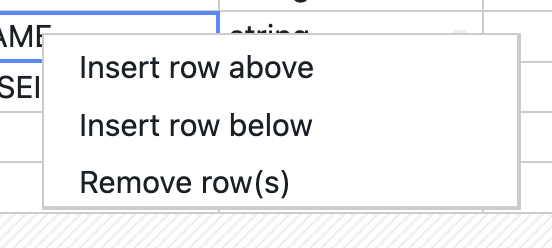
Right-clicking on the table opens the context menu for the table. Here you can insert new rows above or below the current selection or delete the current row.
Toolbar
The table has a toolbar with the following functions:

Validations: Display all validation errors for the instance
Re-Validate: Re-validate the instance
Search: Search for metadata within the instance
Add row: Adds a new row above the currently selected rows
Delete rows: Deletes all currently selected rows
Move rows up: Moves all selected rows up one row
Move rows down: Moves all selected rows down one row
Undo: Undoes the last change
Redo: Redoes the change
Checkout: Checks out the current instance so that it can be edited
Revert: Undoes all changes since the last checkout and checks the instance back in
Commit: Creates a commit of the instance for the current state and checks the instance back in
Merge: Merges the state of the instance in the current release with a commit from another release
Show User: If enabled, shows which user last changed each row
Moving & adjusting columns
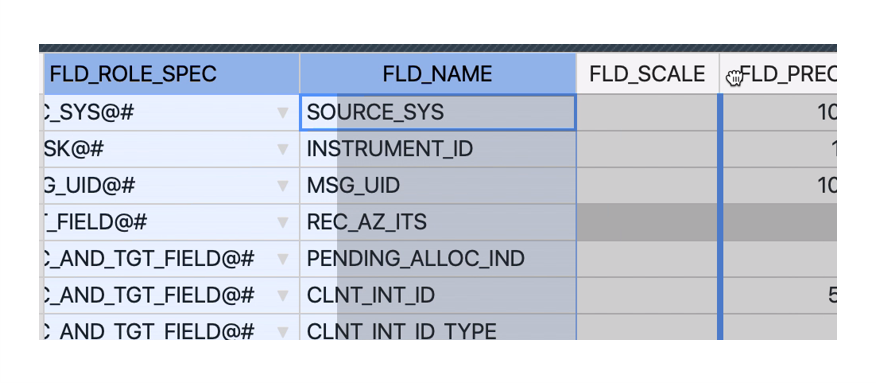
The arrangement of the various columns (instance properties) in the instance data table is adaptable to the needs of the user. After several columns have been selected, they can be dragged and dropped to the desired position.
The width of the columns is also customizable. The functionality is similiar to Excel. You must move the mouse over the right edge of the column heading. When the symbol ( ) for changing the column size appears, drag the column to the desired size.