 MetaKraftwerk

Start of a new build
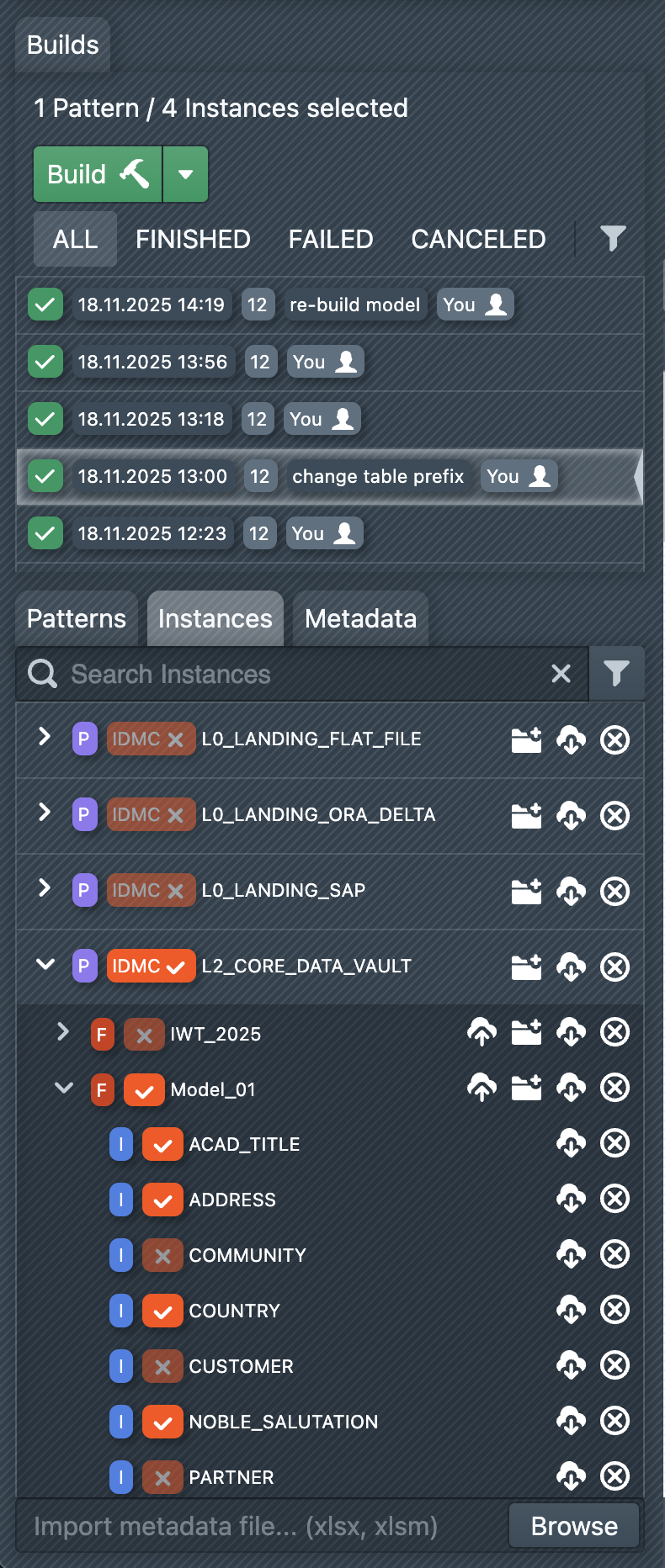 To start a build, you first have to select the instances you want to create. An instance can be added to the selection by selecting the checkbox on the right side of the instance entry. It is possible to select instances of different patterns. A build can then be started via "Build". As a result, MetaKraftwerk generates import packages and files for the selected patterns and instances, which you can download or deploy once the build is complete.
The sidebar lists all past builds. A build can have different states to filter on:
- BUILDING: The build process is not finished yet
- FINISHED: The build has been completed successfully
- FAILED: An error occurred while executing the build
- CANCELED: The build was interrupted by a user