MetaKraftwerk

Delete & Restore an instance
An instance can be deleted by clicking the delete icon in the instance list.

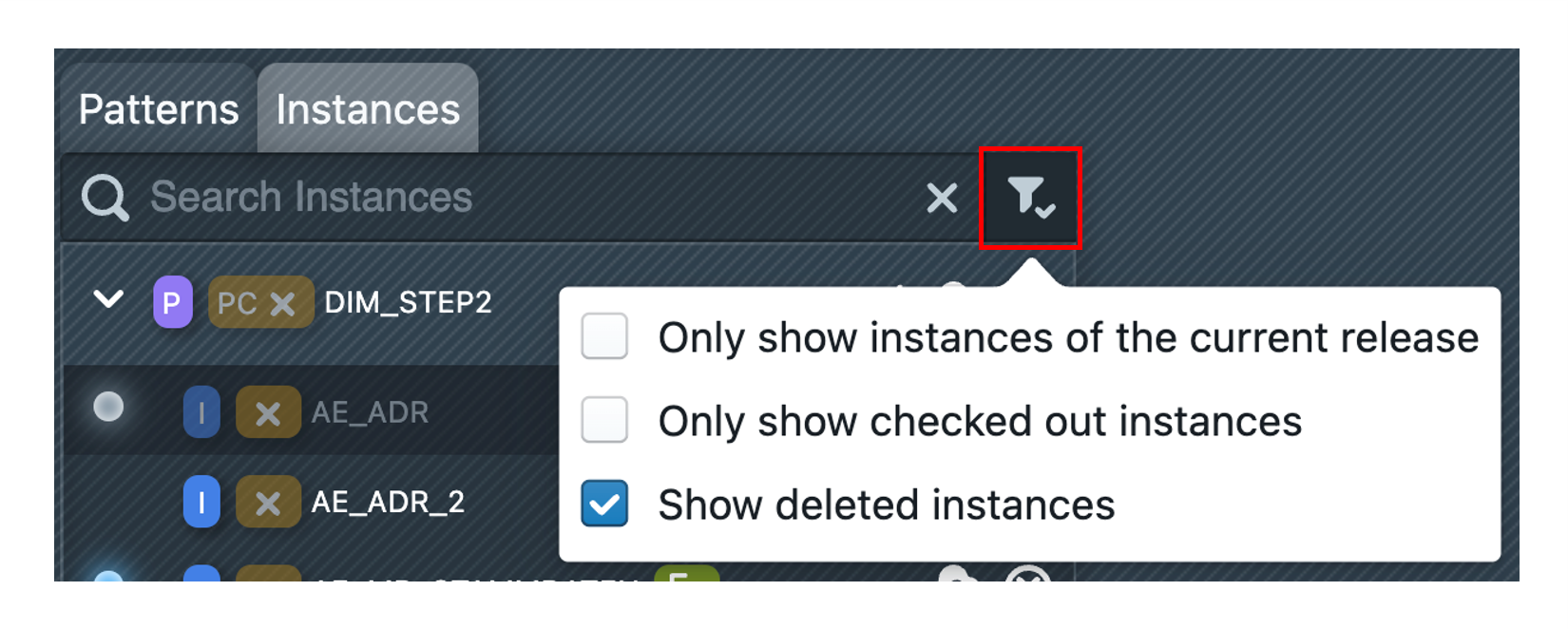
After confirmation, the instance is logically deleted, i.e. it can no longer be viewed and is no longer listed in the normal view. However, the history of the instance is still saved, so you can easily restore the instance. To do this, select the "Show deleted instances" option in the instance filter, then find the instance and open it. Deleted instances are marked with a red dot on the left side .
.
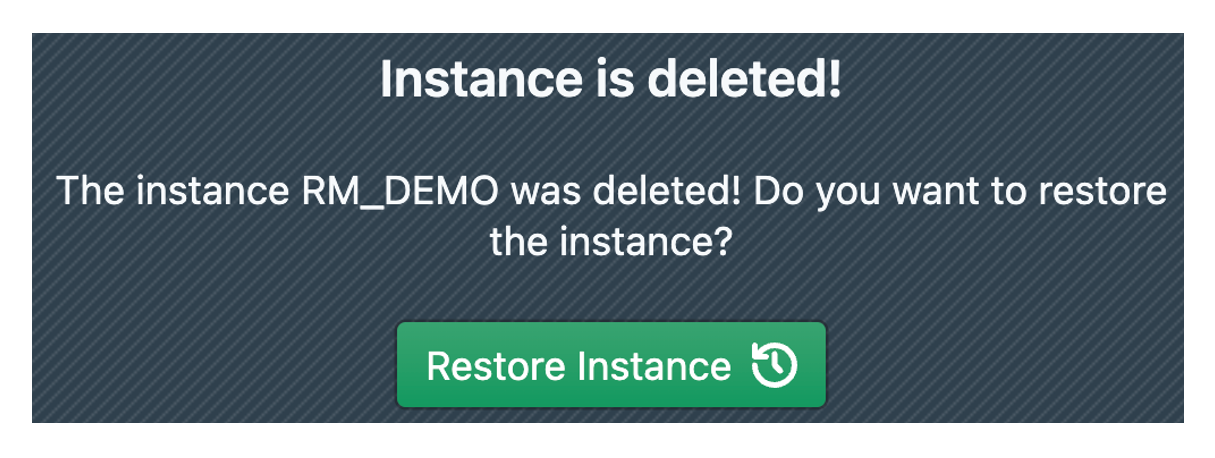
In the dialog, click on "Restore Instance", which completely restores the instance to the state it was in at the time of deletion.