MetaKraftwerk

Profile
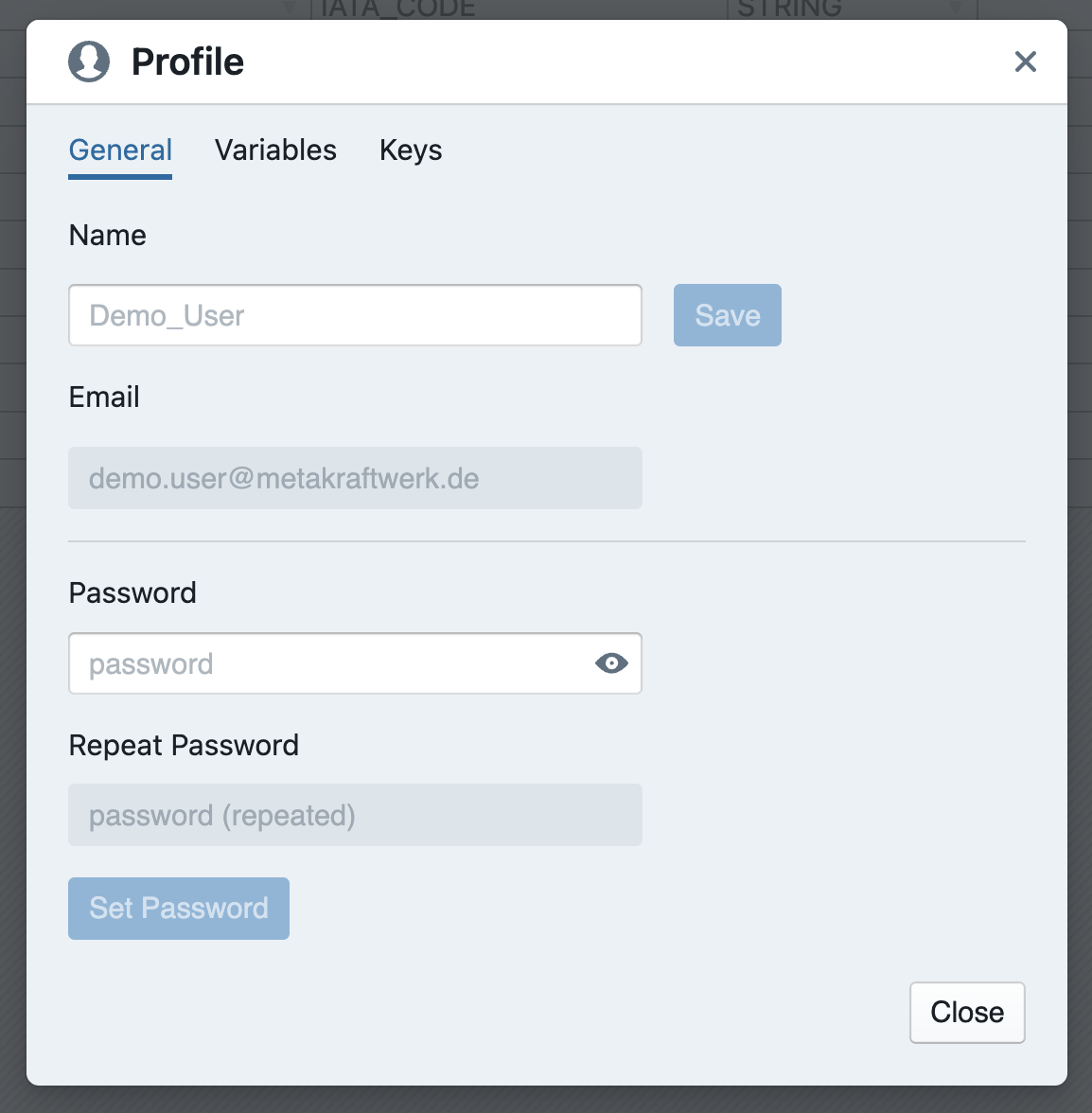
Basic settings for the user account can be configured in the user profile, e.g. changing the user name or password.
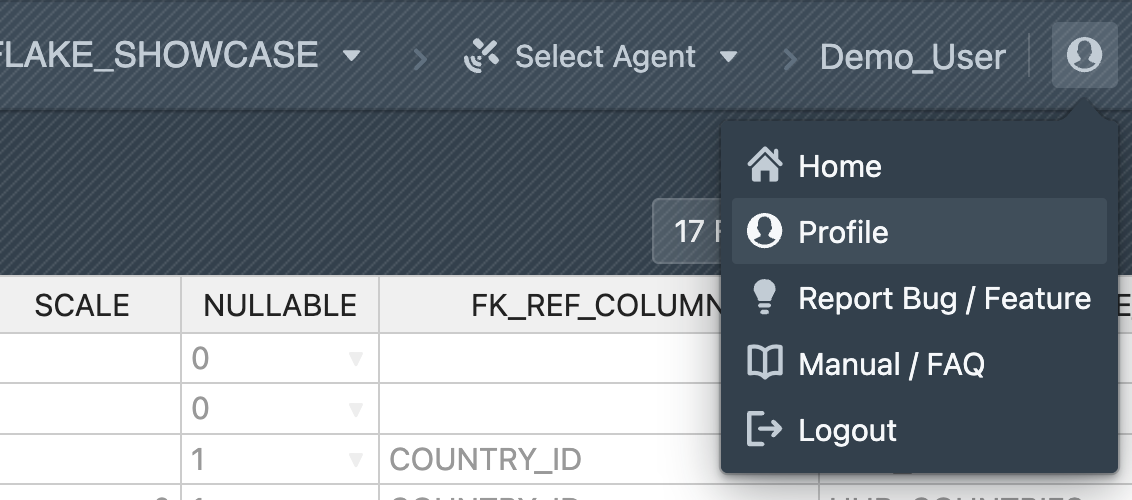
To open your profile, click on the user icon ( ) in the menu bar at the top and then click on
 Profile.
Setting User Variables and User Keys
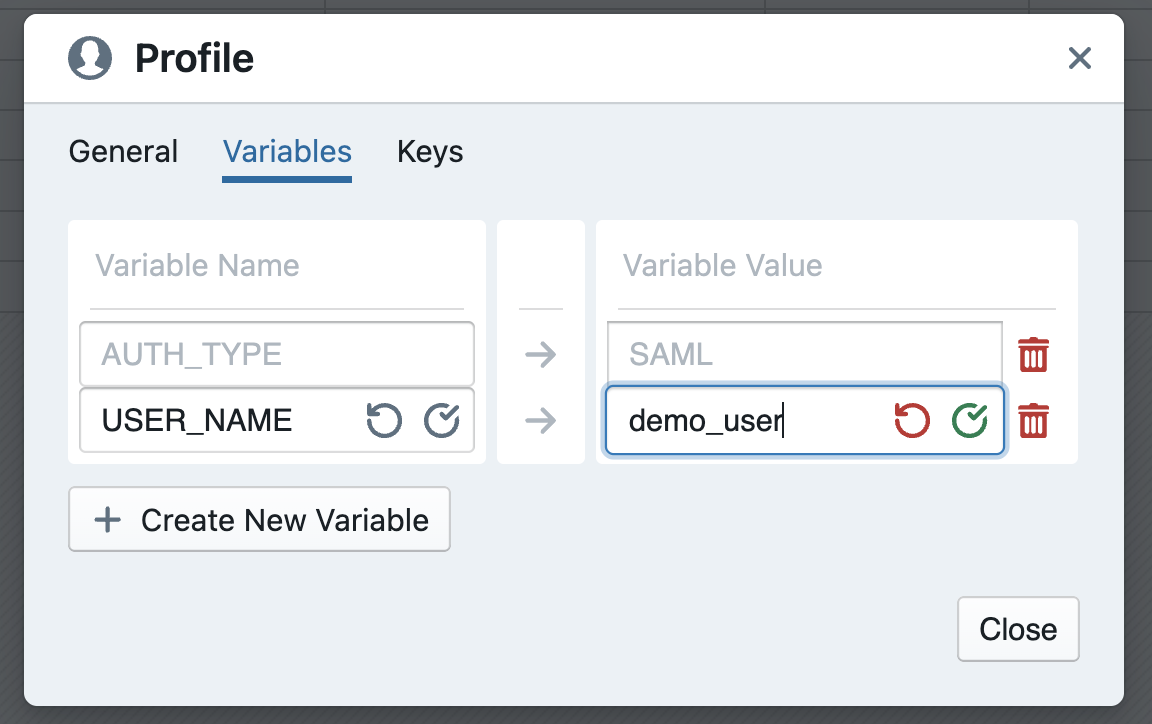
User variables and user keys can be defined in the user profile. Switch to the Variables tab. Click on + Create New Variable. A new variable will now appear in the list. Enter the name of the new variable in the text field on the right and confirm by clicking on Confirm ( ) to save the name. Then enter the value of the variable in the text field on the right. Here, too, the value must be confirmed in order to be saved.
If you want to delete a variable, click on the trash icon ( ).
).
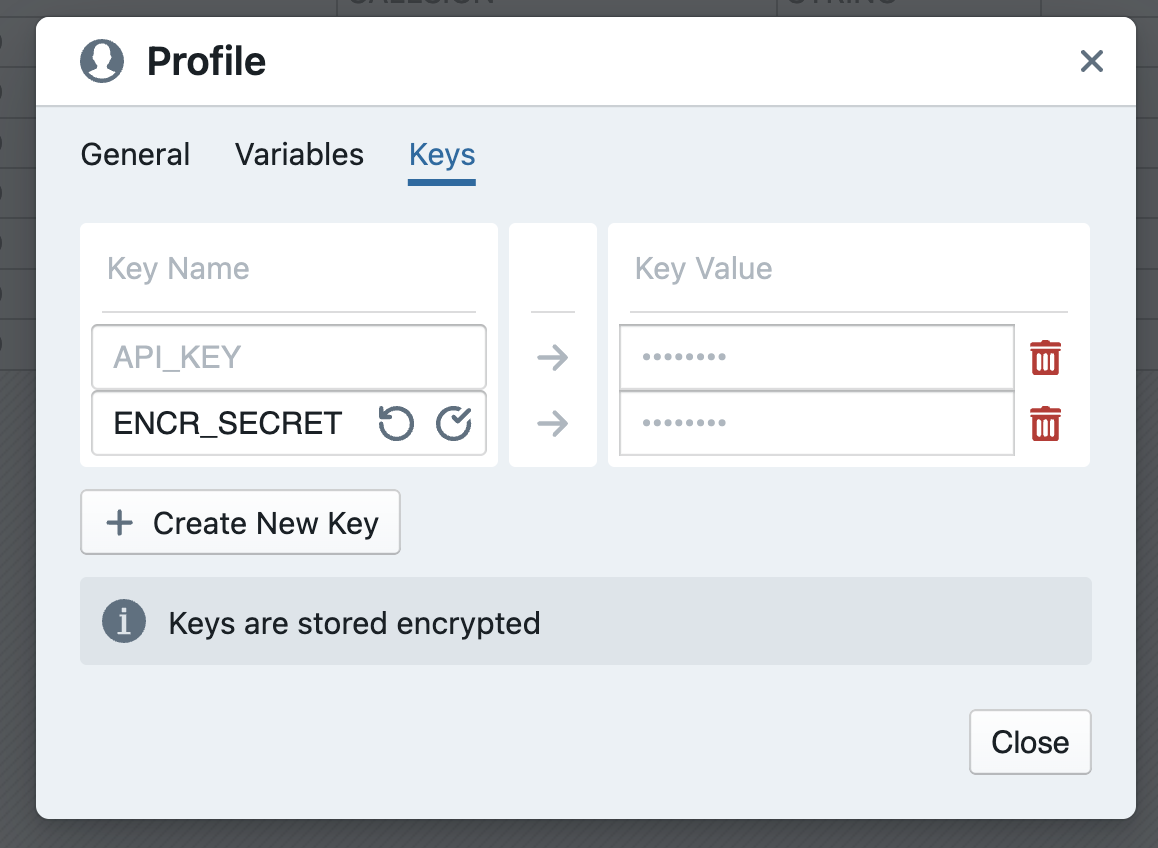
User keys work similarly to user variables. However, secret values are stored here. The values are stored encrypted by MetaKraftwerk. In addition, it is no longer possible to view the value after it has been set.
Click on + Create New Key to create a new key, then enter the name and value of the key and confirm each entry.
Keys are used, for example, for encryption secrets, which serve to decrypt values from connection properties.