MetaKraftwerk

Documentation
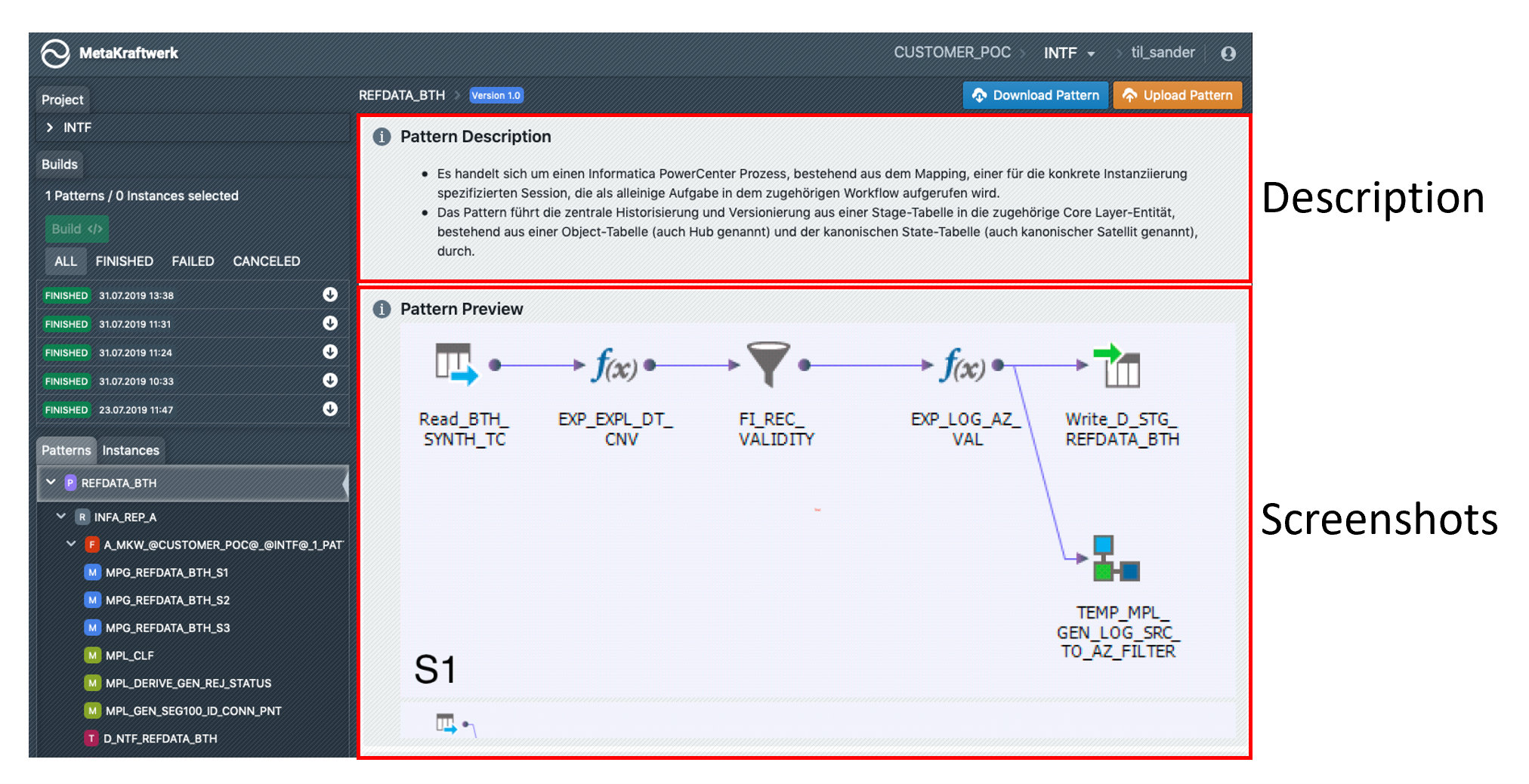
If you select a pattern in the sidebar, the documentation of the pattern will be displayed. Here the developer sees a description of the pattern and screenshots of the mappings and workflows contained. If you have the permissions to edit a pattern, you can click on the pencil icon next to "Pattern Description" and edit the description.