MetaKraftwerk

Historization of Instance Data
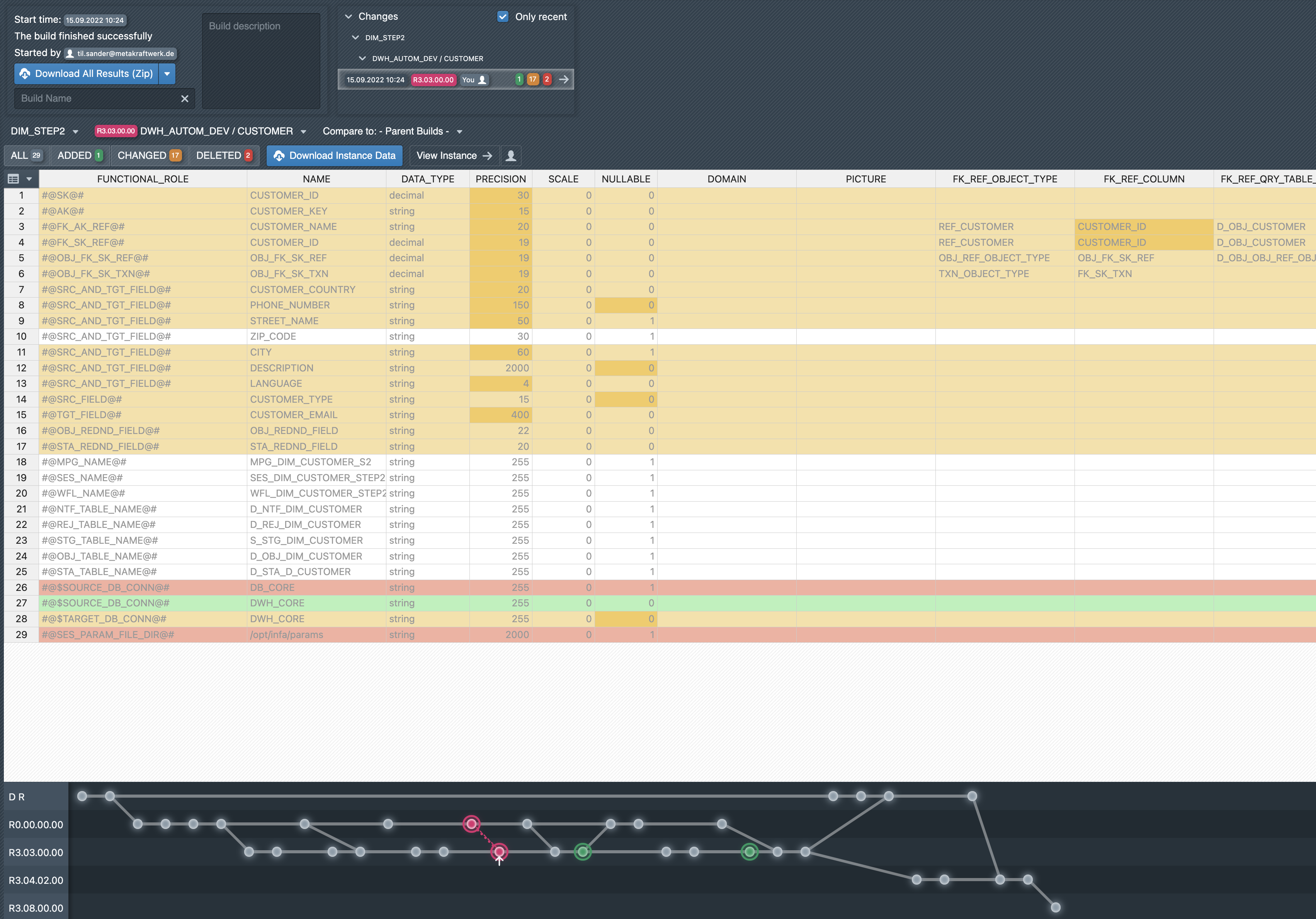
MetaKraftwerk creates a commit with each build of an instance. The status of the instance is thus recorded so that the user can see afterwards what metadata the instance had at the time of the build. When you open a build, a diff table is displayed in the lower area. For a selected instance, it shows which metadata records have been newly added (green), changed (orange) or deleted (red), and which records have remained unchanged (grey). A drop-down menu above the table allows you to select other instances that were built together. Another drop-down menu can be used to select other patterns, provided that instances of other patterns were also built with the current build. When you select an instance, it is first compared with the last build with which the selected instance was built ('Compare to: - Parent Builds -'). However, a third drop-down menu can also be used to select a different, earlier comparison build.
The Download Instance Data button can be used to download the metadata of the instance in the state at the time of the build.
'View Instance' takes you to the selected instance.
The commit graph for the respective instance is displayed below the table. Here, too, you can select a different comparison build by clicking on the commits (dots). For more information, see Release Management.
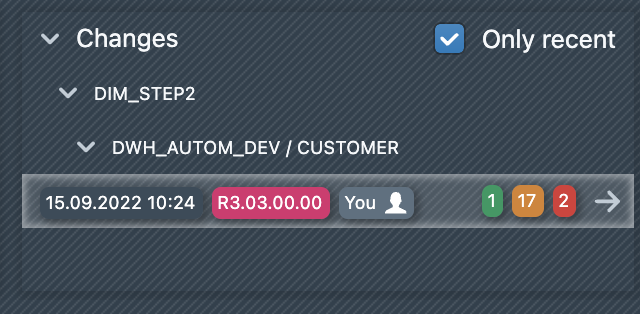
In addition to the diff table, a summary of all changes is displayed at the top of a build. Changes are listed here for all patterns and all instances, provided that there have been changes for the respective instance compared to the previous build.
The ‘Only Recent’ checkbox is initially selected, so that only the previous build of an instance is compared. If you deselect the checkbox, a previous build is searched for each instance until a change to the current build is found. The search is performed backwards from the current commit of the instance.