

Sections
After a process pattern has been imported into MetaKraftwerk, the contained objects can be viewed in the web app. The sidebar displays the folders, mappings, mapplets, workflows and data structures underneath the pattern entry. When an object is selected, it is displayed in the detail view in the pattern editor. In order to prepare a pattern for instantiation by MetaKraftwerk, transformations, data structures, sessions, and other objects must be augmented with some more metadata rules, e.g. a column in a table must be marked as variable. For this purpose, various editors are available.
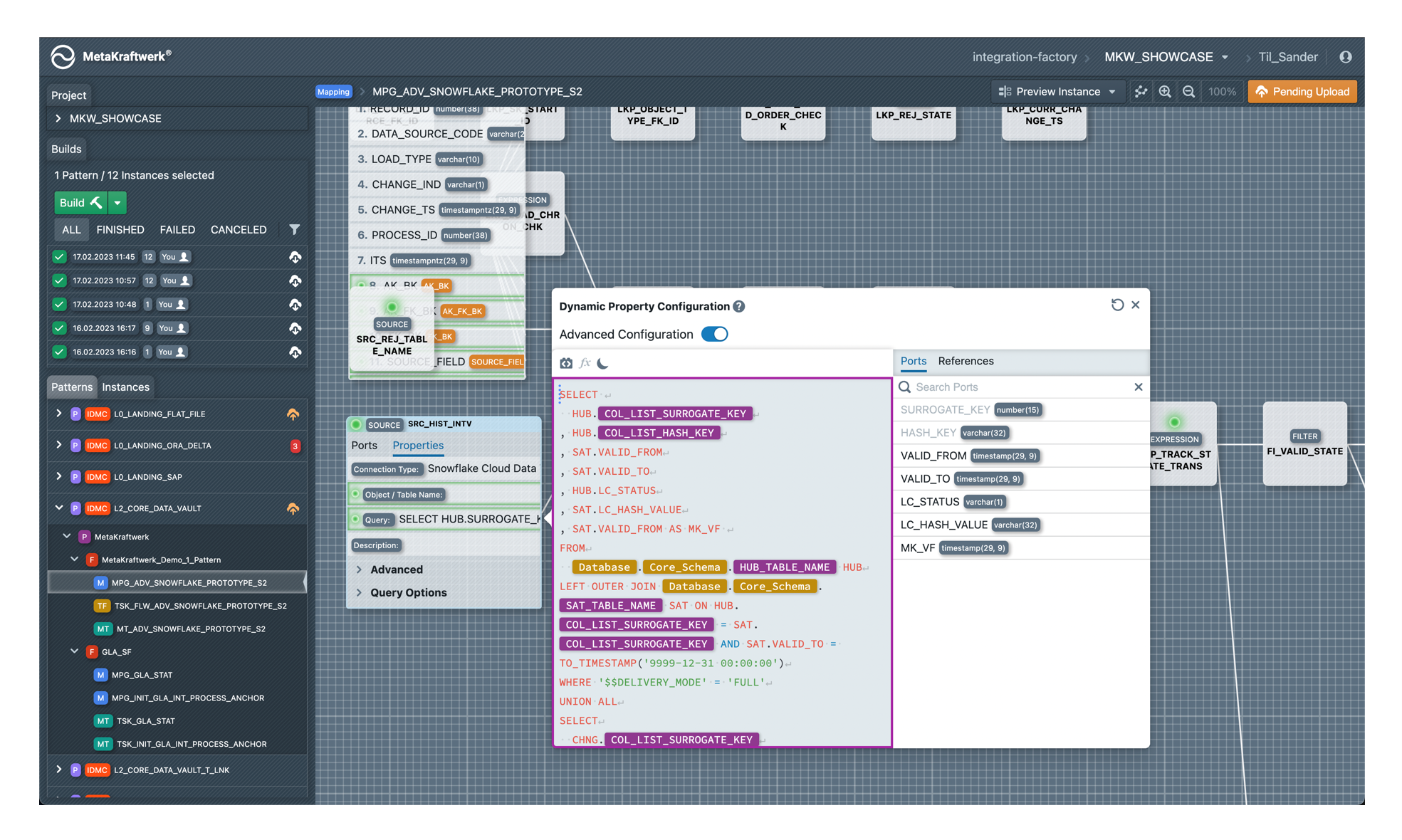
Clicking on the pattern in the sidebar (top-level element) opens the pattern settings. These are divided into different sections:

| Section | Description |
|---|---|
| Description | Here you can store a description of the pattern or documentation for users. |
| Functional Roles | In this section, you can define the functional roles of the pattern. |
| Instance Properties | Define the properties of the instances, i.e. the schema of the instance metadata. |
| Constraints | Here you can define constraints on the instance metadata schema, which are checked on instance metadata. |
| Data types | Define how data types from the data integration tool should be mapped to native data types from databases. |
| Files | In this section, file templates can be developed, e.g. DDL scripts, procedures, Python notebooks. |
| Reusable Expressions | With reusable expressions, the templates can be structured modularly. Expressions can be defined here once and then reused anywhere in the pattern |
| Variables | The global values of the pattern variables can be defined here |
| Deployments | Deployments for the pattern can be defined in this section. There are various deployment targets |
| History | Display of all previous pattern commits |
| Labels | Definition of pattern-level labels |